SOP — Admin panel
The back office, in a web browser. Admins sign in with an email and password. Everything is scoped by the property (and, for multi-venue companies, the company) selector at the top. Most settings have a small ⓘ you can tap for a plain-language explanation.
Overview — is everything ready?
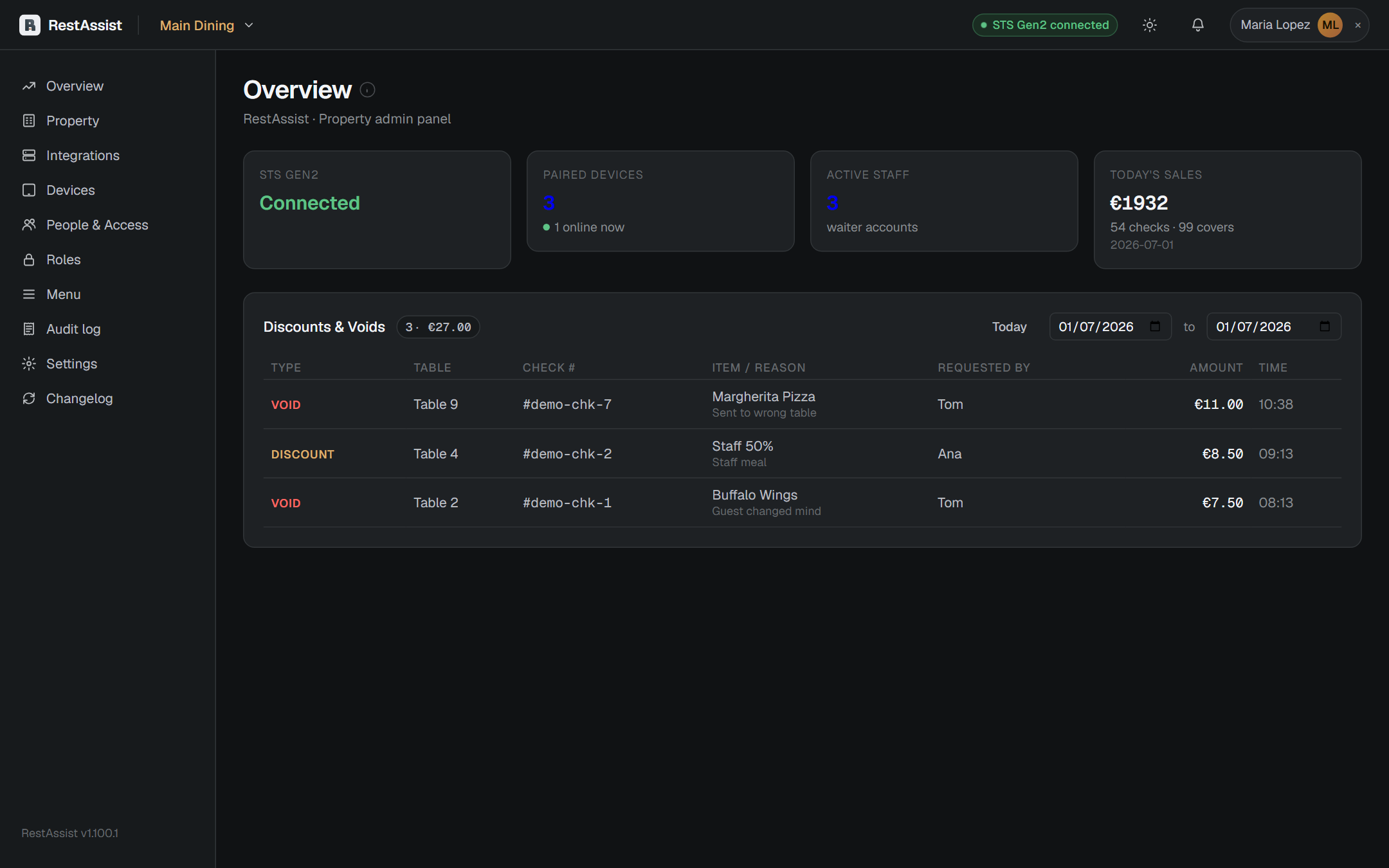
The Overview is your pre-shift check: connection health, paired devices, active staff, and today's sales, plus recent discounts/voids and menu changes.
Manage devices
Devices lists every paired tablet/phone, when it was last seen, and its role. From here you pair a new device, rename or revoke one, re-scope a kitchen screen to its station, or move a device to another venue.
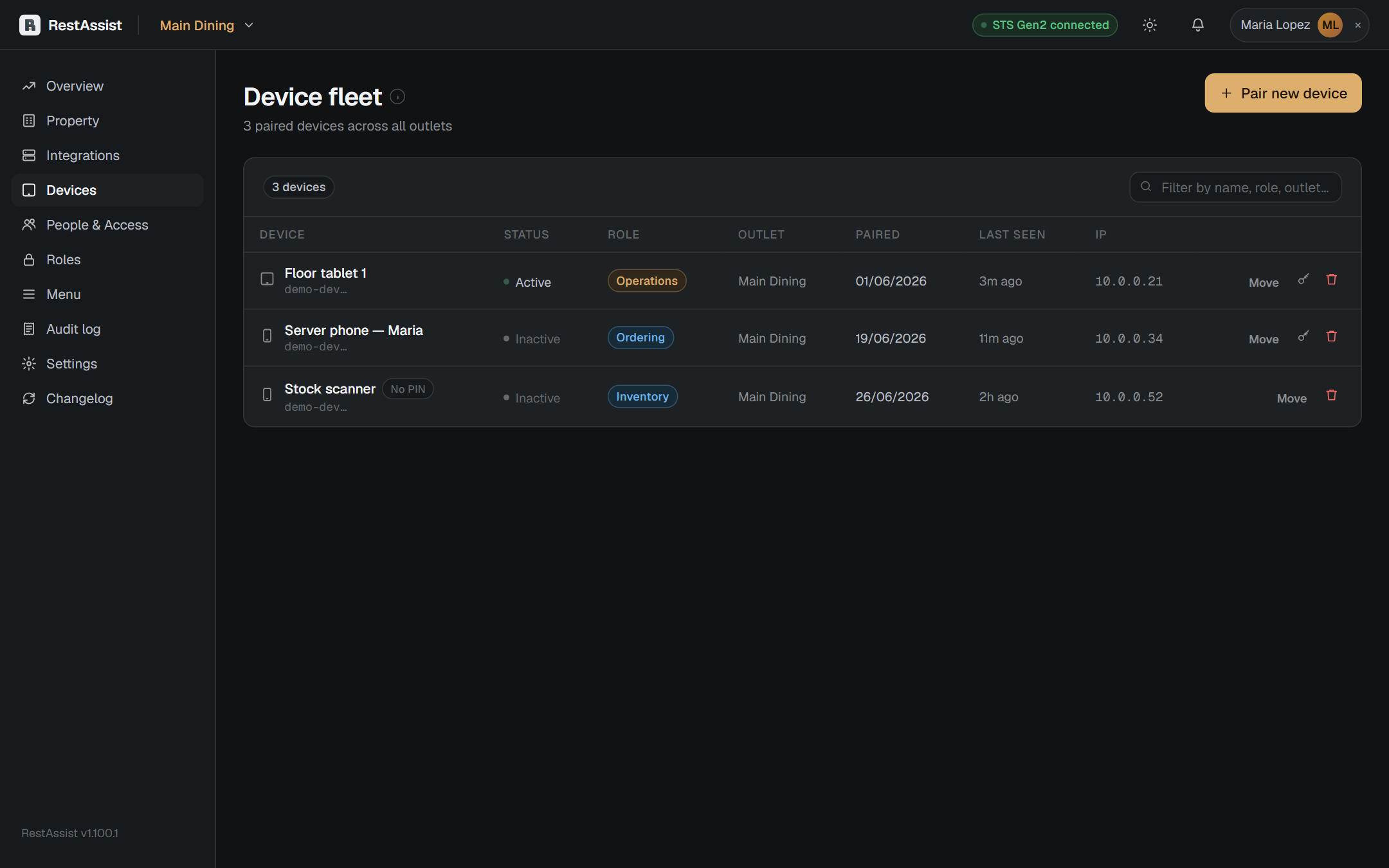
To pair a device: tap Pair device, pick the role and venue, and enter the 6-digit code on the device (see Getting started).
Manage people
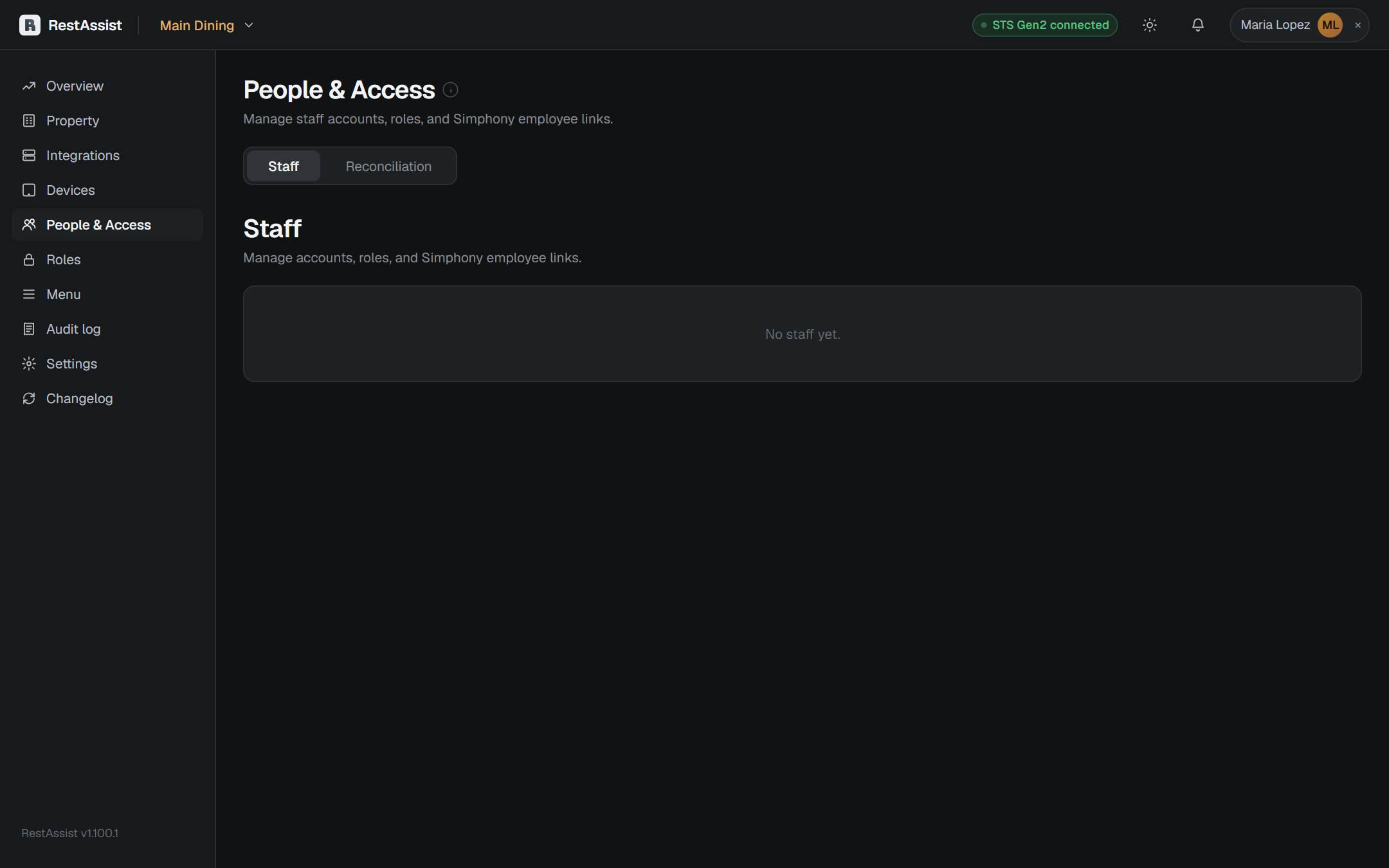
People & Access holds staff accounts and PINs, plus the admins who sign in by email. Reconciliation compares your Simphony employee roster against recent activity so you can spot accounts to add or retire.
Manage the menu
Menu is where the ordering menu lives: the live menu synced from Simphony, the full Item Library, condiment groups, and Sync settings (including a nightly full sync). For creating many items at once, use Integrations → Import / Export and upload a spreadsheet — each row shows exactly which step succeeded or failed.
See who changed what
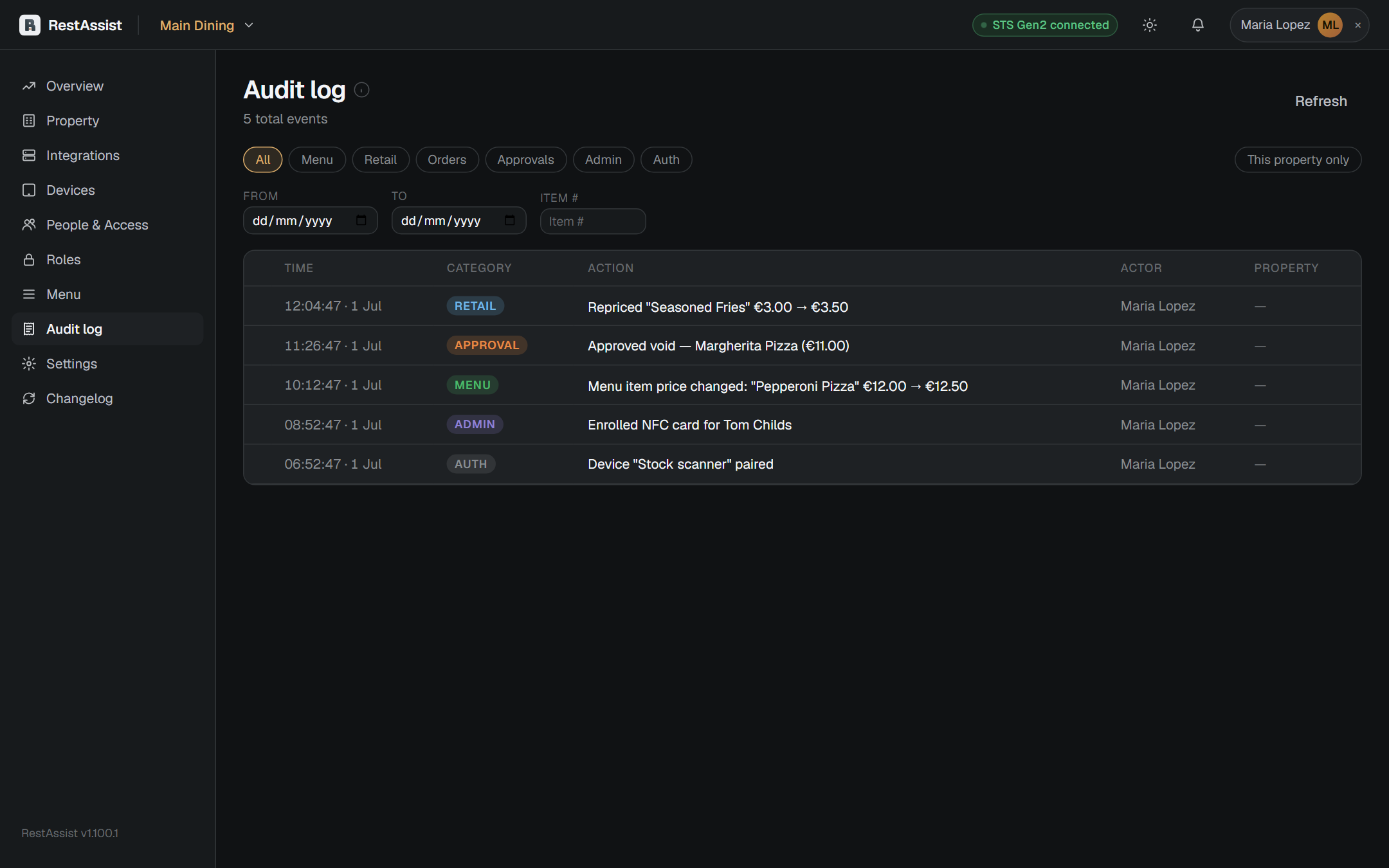
The Audit log is a timestamped, read-only record of config edits, menu changes, voids, and pairings — trace any change back to a device or person. Menu-price changes can be reverted from here.
Settings worth knowing
Under Settings:
- Sign-in — the idle auto-logout timeout.
- Service alerts — the order-time / payment-time thresholds the Operations Service tab uses.
- Barcodes — barcode width and the "Drop the last digit when scanning" toggle.
- App updates — Auto, Tap to update, or Scheduled (installs at an hour you pick, so it never reloads mid-order).